Finding the best mountain bike GPS devices for trail navigation can transform how riders explore backcountry terrain, discover new routes, and stay safe in remote wilderness areas. Unlike road cycling where navigation often means following a simple route on paved streets, mountain biking demands rugged equipment capable of handling vibration, mud, rain, and the complex network of singletrack trails that wind through forests and mountains. The right GPS device becomes an essential tool for riders who venture beyond familiar trails and want to maximize their time riding rather than stopping to consult paper maps or struggle with a smartphone that has lost signal. The proliferation of dedicated cycling GPS units over the past decade has created a market filled with options ranging from basic units under one hundred dollars to feature-packed devices exceeding six hundred dollars.
This range reflects the diverse needs of mountain bikers, from weekend warriors exploring local trail systems to endurance racers competing in multi-day events across unmarked wilderness. Understanding what separates a mediocre GPS from an excellent one requires examining factors like satellite reception under tree canopy, battery life during all-day rides, mapping quality for off-road terrain, and durability against the harsh conditions mountain bikes encounter. This article examines the essential features that matter most for trail navigation, compares the leading devices from major manufacturers, and provides practical guidance for selecting the right unit based on riding style and budget. Readers will gain insight into the technical specifications that actually impact real-world performance, learn how to evaluate mapping options and subscription services, and understand how to properly set up and use a GPS device for maximum effectiveness on the trail.
Table of Contents
- What Features Matter Most in Mountain Bike GPS Devices for Trail Navigation?
- Comparing Top GPS Navigation Devices for Mountain Biking
- Understanding Trail Maps and Navigation Software for GPS Cycling Computers
- How to Choose the Right GPS Device for Your Mountain Biking Style
- Troubleshooting Common GPS Navigation Problems on Mountain Bike Trails
- Integrating GPS Devices with Trail Apps and Online Platforms
- How to Prepare
- How to Apply This
- Expert Tips
- Conclusion
- Frequently Asked Questions
What Features Matter Most in Mountain Bike GPS Devices for Trail Navigation?
Satellite reception quality stands as perhaps the most critical factor for any GPS device intended for mountain bike trail navigation. Dense forest canopy, steep canyon walls, and mountainous terrain can all degrade or block satellite signals, leaving riders without accurate position data precisely when they need it most. Modern GPS units have addressed this challenge by incorporating multiple satellite systems beyond the original American GPS constellation, including the Russian GLONASS system, the European Galileo network, and increasingly the Chinese BeiDou satellites. Devices that can simultaneously receive signals from multiple constellations typically maintain more accurate positioning in challenging terrain, with the best units achieving accuracy within three meters even under heavy tree cover. Battery life directly impacts how useful a GPS device will be during long rides and multi-day adventures. A device that dies after four hours provides limited value for riders tackling epic backcountry routes or competing in endurance events. The current generation of dedicated cycling GPS units offers battery life ranging from roughly eight hours for compact models to well over twenty hours for larger devices with extended battery modes.
Power-saving features like reduced screen brightness, decreased GPS polling frequency, and automatic sleep modes can extend runtime significantly, though often at the cost of mapping detail or position accuracy. Riders should consider their typical ride duration and access to charging when evaluating battery specifications. Screen visibility and durability require careful consideration for mountain biking applications. Unlike road cycling where quick glances at a handlebar-mounted screen suffice, mountain bikers often need to read maps and navigation cues while bouncing over rough terrain in variable lighting conditions. High-contrast displays with anti-glare coatings perform significantly better under direct sunlight than glossy touchscreens designed primarily for indoor use. Screen resolution matters for map detail, but brightness and contrast ratios often prove more important for practical trail use. Physical durability including water resistance ratings of at least IPX7 and shock-resistant construction helps ensure the device survives the inevitable crashes and equipment malfunctions that occur during aggressive trail riding.
- Multi-GNSS satellite reception provides more reliable positioning under forest canopy and in mountainous terrain
- Battery life requirements vary dramatically based on ride duration and access to recharging
- Screen visibility under direct sunlight often matters more than raw resolution specifications

Comparing Top GPS Navigation Devices for Mountain Biking
Garmin dominates the cycling GPS market with several models well-suited to mountain biking applications. The Edge 540 and Edge 840 represent the current mid-range offerings, providing preloaded topographic maps, turn-by-turn navigation, and battery life exceeding twenty-six hours in standard mode. The Edge 1040 flagship model extends battery life to an impressive thirty-five hours while adding a larger 3.5-inch display that improves map readability on technical terrain. All current Garmin Edge devices support multi-band GPS reception combined with GLONASS, Galileo, and other satellite systems for improved accuracy in challenging conditions. Garmin’s Trailforks integration provides access to over 400,000 mountain bike trails worldwide directly on the device, a significant advantage for riders exploring unfamiliar areas. Wahoo’s ELEMNT ROAM and ELEMNT BOLT have gained substantial market share among mountain bikers who prioritize ease of use and smartphone integration.
The ELEMNT ROAM features a 2.7-inch color display with ambient light sensor for automatic brightness adjustment and offers battery life around seventeen hours. Wahoo devices handle route planning primarily through companion smartphone apps rather than on-device controls, which some riders find more intuitive while others prefer the self-contained approach of Garmin units. The ELEMNT series excels at creating routes on the fly and provides clear turn-by-turn navigation, though its mapping detail for off-road trails generally falls slightly behind Garmin’s Trailforks-enhanced offerings. Hammerhead’s Karoo 3 has emerged as a compelling alternative featuring an Android-based operating system that enables third-party app installation and frequent software updates. The 3.2-inch touchscreen provides excellent resolution and brightness, while the device’s integrated routing algorithms can automatically generate mountain bike routes based on surface type preferences. Battery life of approximately twelve hours falls short of competitors, but the Karoo 3’s modern user interface and customization options appeal to tech-savvy riders willing to charge more frequently. Budget-conscious riders should also consider options from Lezyne, Bryton, and Sigma, which offer basic GPS navigation at price points between one hundred and three hundred dollars, though with reduced mapping capabilities and shorter battery life.
- Garmin Edge devices lead in trail-specific mapping through Trailforks integration and offer industry-best battery life
- Wahoo ELEMNT series prioritizes smartphone-based route planning with strong navigation performance
- Hammerhead Karoo 3 provides unique customization through its Android foundation but sacrifices battery endurance
Understanding Trail Maps and Navigation Software for GPS Cycling Computers
The quality and comprehensiveness of trail mapping varies dramatically between GPS devices and mapping platforms. Preloaded base maps on most cycling GPS units include major roads and some trails, but dedicated mountain bike maps require additional downloads or subscription services. Garmin’s partnership with Trailforks provides what many consider the most comprehensive mountain bike trail database available, including difficulty ratings, trail conditions, recent user reports, and detailed routing that follows actual singletrack rather than approximating trails with straight lines between waypoints. This integration means riders can browse trails by difficulty, find nearby trailheads, and navigate complex trail networks with confidence that the GPS will direct them along rideable paths. OpenStreetMap-based alternatives offer free mapping data that often includes excellent trail coverage, particularly in regions with active cycling communities contributing to the database. Devices supporting custom map installation, including most Garmin units and the Hammerhead Karoo, can load OSM-derived maps that frequently exceed the detail of proprietary mapping in specific areas.
Services like OpenMTBMap and VeloMap specialize in creating cycling-optimized renderings of OSM data with appropriate trail classifications and routing preferences. The trade-off involves more complex setup processes and inconsistent quality across different geographic regions, as volunteer-contributed mapping naturally varies in comprehensiveness and accuracy. Offline map availability matters critically for mountain biking since cellular coverage often disappears entirely on backcountry trails. Riders should verify that any GPS device they purchase can store complete maps locally rather than streaming data on demand. Most dedicated cycling GPS units store maps internally by default, but some smartphone-based solutions and certain budget devices rely partially on cellular connectivity for full map detail. Loading appropriate regional maps before departing for unfamiliar terrain prevents the frustrating situation of losing navigation capability precisely when it becomes most valuable. Storage capacity ranging from 16GB to 64GB on current devices typically accommodates mapping for an entire continent without difficulty.
- Trailforks integration on Garmin devices provides specialized mountain bike mapping with trail conditions and difficulty ratings
- OpenStreetMap-based alternatives offer free trail mapping with varying quality depending on regional contributor activity
- Offline map storage capability is essential for backcountry navigation where cellular coverage is unavailable
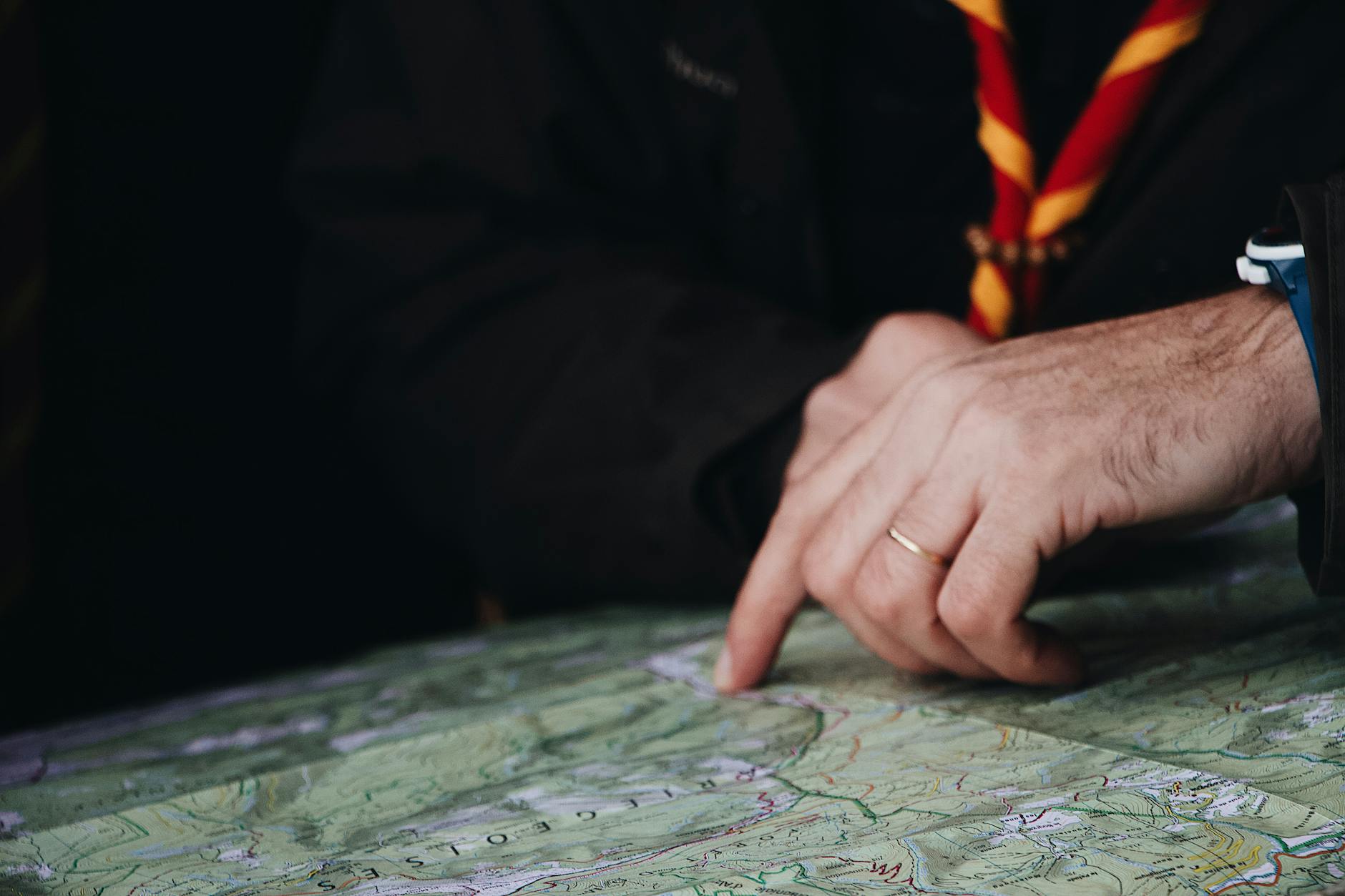
How to Choose the Right GPS Device for Your Mountain Biking Style
Casual trail riders exploring well-marked local trail systems have different requirements than backcountry explorers venturing into remote wilderness. For riders who primarily use established trail networks with good signage and relatively short rides under three hours, a basic GPS device in the two-hundred-dollar range provides adequate functionality. These riders benefit most from straightforward navigation that prevents wrong turns at trail intersections and records ride data for later analysis. Battery life becomes less critical since rides rarely exceed the capability of even modest devices, and extensive mapping features may go unused when routes follow familiar terrain. Aggressive trail riders and endurance athletes tackling multi-hour rides through complex trail systems require more capable devices. Battery life exceeding fifteen hours accommodates dawn-to-dusk riding without anxiety about power depletion. Detailed mapping that distinguishes between fire roads and singletrack, indicates technical difficulty ratings, and shows recent trail conditions enables better route planning and real-time decision making.
Quick satellite acquisition after stops helps these riders resume navigation promptly rather than waiting for position fixes. Sturdy mounting systems and shock-resistant construction become more important as riding intensity increases and the likelihood of crashes rises. Bikepacking adventurers and multi-day expedition riders face the most demanding GPS requirements. Extended battery life or the ability to charge while riding proves essential when wall outlets remain days away. Course deviation alerts help tired riders stay on route during long hours in the saddle. Breadcrumb navigation that shows the traveled path enables backtracking when trails disappear or wrong turns occur. Some riders in this category carry dedicated satellite communicators separate from their GPS device, while others prefer integrated devices like the Garmin inReach or GPS units with satellite connectivity options. Weather forecast integration and sunrise/sunset data help with camp timing decisions on extended journeys.
- Casual riders can prioritize simplicity and value over extensive features and battery capacity
- Aggressive trail riders benefit from detailed mapping, long battery life, and rugged construction
- Bikepacking and expedition riders require maximum battery endurance, satellite communication options, and comprehensive navigation features
Troubleshooting Common GPS Navigation Problems on Mountain Bike Trails
Signal acquisition delays frustrate riders eager to start their GPS recording and navigation. Cold starts, where the device calculates position from scratch after extended power-off periods, can take several minutes as the unit downloads current satellite almanac data. Keeping the device powered on or in standby mode between rides maintains cached satellite information that dramatically speeds acquisition. Positioning the device with clear sky view during startup, rather than under dense tree canopy or building overhangs, accelerates the initial fix. Multi-GNSS devices generally acquire signals faster than GPS-only units due to the larger number of available satellites. Track deviation and inaccurate positioning during rides often results from signal multipath effects in mountainous terrain where satellite signals reflect off canyon walls or dense vegetation. Firmware updates from device manufacturers frequently improve positioning algorithms that filter multipath interference.
Ensuring the device firmware remains current addresses many positioning anomalies reported in earlier software versions. Environmental factors like heavy cloud cover or solar storms can temporarily degrade GPS accuracy system-wide, creating positioning errors beyond any device’s ability to correct. Understanding these limitations helps riders recognize when navigation uncertainty stems from conditions rather than equipment failure. Battery drain exceeding specifications typically indicates either a defective battery requiring warranty replacement or power-hungry settings that should be adjusted. Features like smartphone connectivity, automatic upload synchronization, and maximum screen brightness consume power far faster than basic navigation. Adjusting backlight timeout, reducing Bluetooth activity, and using battery saver modes can double effective runtime in some cases. Extreme cold temperatures reduce battery capacity significantly, sometimes cutting runtime to half or less of warm-weather performance. Riders in cold conditions should consider insulated mounting pouches or carrying the device inside clothing during extended descents when navigation isn’t needed.
- Cold start delays can be minimized by keeping devices powered on between rides to maintain cached satellite data
- Multipath signal errors in mountainous terrain often improve with firmware updates and multi-GNSS satellite reception
- Battery life varies substantially based on feature settings and temperature conditions

Integrating GPS Devices with Trail Apps and Online Platforms
The ecosystem surrounding GPS devices extends well beyond the hardware itself into companion apps and web platforms that enhance functionality. Garmin Connect, Wahoo’s companion app, and Hammerhead’s dashboard provide cloud synchronization, ride analysis, and social features that add value to the GPS device investment. Routes planned on desktop computers or smartphones transfer wirelessly to devices, eliminating the cumbersome process of manual file management that characterized earlier generations of GPS units. Automatic synchronization means ride data appears in online accounts moments after completing a ride, enabling quick sharing and analysis without deliberate upload steps.
Third-party platforms including Strava, Komoot, and Ride with GPS integrate with most major cycling GPS devices through standardized data formats and API connections. These services often provide superior route planning tools compared to device manufacturer apps, with Komoot particularly popular among European riders and Ride with GPS favored for its detailed cue sheet generation. Planned routes from any compatible platform can typically be sent directly to devices, allowing riders to leverage the planning tools they prefer regardless of GPS device brand. This interoperability means device choice need not lock riders into a specific software ecosystem.
How to Prepare
- Update device firmware to the latest version by connecting to the manufacturer’s companion app or desktop software. Firmware updates frequently include improved GPS accuracy, bug fixes, and new features that enhance trail navigation performance. This process typically requires a WiFi connection and may take fifteen to thirty minutes for major updates.
- Download appropriate regional maps for offline use before leaving cellular coverage. Navigate to the device’s map manager or use the companion app to select topographic and trail maps covering your riding area. For mountain biking, ensure trail-specific mapping like Trailforks or OpenMTBMap layers are included rather than just road navigation maps.
- Configure satellite system settings to enable multi-GNSS reception including GPS, GLONASS, and Galileo at minimum. This setting appears in the device’s sensor or positioning menu and dramatically improves accuracy under tree canopy. Note that multi-GNSS mode may slightly increase battery consumption.
- Set up data screens with navigation-relevant fields including distance to destination, estimated time of arrival, current heading, and elevation profile. Most devices allow customization of multiple activity profiles, so create a dedicated mountain bike profile optimized for trail navigation rather than using road cycling defaults.
- Test the complete system on a short local ride before depending on it for unfamiliar terrain. Verify that routes load correctly, turn-by-turn prompts appear as expected, and the device maintains accurate positioning throughout the ride. Address any issues discovered during testing while still near home rather than discovering problems miles into the backcountry.
How to Apply This
- Plan routes using companion apps or web platforms that provide trail-specific data including surface type, difficulty ratings, and recent condition reports. Transfer planned routes to the device before departure and verify they loaded correctly by previewing on the device itself.
- Mount the GPS device securely using a quality handlebar or stem mount rated for off-road vibration. Position the screen for easy viewing without requiring extreme head movement that could compromise trail awareness. Verify the mount remains tight after initial rides and retighten as necessary.
- Begin GPS recording before starting the ride and confirm satellite lock shows adequate accuracy, typically under five meters. Monitor position on the map during early riding to verify the track follows actual trail location rather than showing systematic offset.
- Use navigation features proactively by reviewing upcoming trail intersections and turns before reaching them. The preview function on most devices shows the route ahead, allowing riders to anticipate navigation decisions rather than reacting to prompts while already at intersections.
Expert Tips
- Carry a small external battery pack on rides exceeding eighty percent of your device’s rated battery life. Modern GPS units charge while operating, allowing continuous navigation during all-day rides without interruption. A 5000mAh battery pack typically provides one to two full device charges.
- Create backup routes by downloading GPX files to your smartphone as a secondary navigation source. If your primary GPS device fails or runs out of battery, smartphone mapping apps can provide emergency navigation using cached maps and recorded routes.
- Calibrate the barometric altimeter before rides starting at known elevations such as trailhead parking lots with posted elevation markers. GPS-derived elevation data contains significant error that proper barometric calibration eliminates, improving elevation profile accuracy and climb/descent statistics.
- Learn your device’s track back or reverse route function, which enables navigation back along your traveled path when trails become too difficult or conditions deteriorate. This feature proves invaluable when exploring unmarked trails where returning along the exact inbound route may be the only safe option.
- Register your device with the manufacturer and record the serial number separately. GPS devices occasionally fail or get damaged beyond repair in crashes, and registration documentation speeds warranty claims and replacement processes.
Conclusion
Selecting the best mountain bike GPS device for trail navigation requires balancing factors including satellite reception quality, battery endurance, mapping comprehensiveness, and budget constraints against individual riding style and typical terrain. The current market offers excellent options across all price ranges, from capable budget devices under three hundred dollars to premium units with every conceivable feature. Riders who invest time in understanding their actual requirements rather than simply purchasing the most expensive option often find better satisfaction with devices matched to their genuine needs.
The evolution of cycling GPS technology has reached a point where even mid-range devices provide reliable navigation for the vast majority of mountain biking applications. Dedicated cycling GPS units significantly outperform smartphones for trail navigation due to superior satellite reception, longer battery life, rugged construction, and specialized mounting options. Taking time to properly configure a new device, download appropriate maps, and practice with navigation features before depending on them in unfamiliar terrain ensures the technology delivers its full potential value when riders need it most.
Frequently Asked Questions
How long does it typically take to see results?
Results vary depending on individual circumstances, but most people begin to see meaningful progress within 4-8 weeks of consistent effort. Patience and persistence are key factors in achieving lasting outcomes.
Is this approach suitable for beginners?
Yes, this approach works well for beginners when implemented gradually. Starting with the fundamentals and building up over time leads to better long-term results than trying to do everything at once.
What are the most common mistakes to avoid?
The most common mistakes include rushing the process, skipping foundational steps, and failing to track progress. Taking a methodical approach and learning from both successes and setbacks leads to better outcomes.
How can I measure my progress effectively?
Set specific, measurable goals at the outset and track relevant metrics regularly. Keep a journal or log to document your journey, and periodically review your progress against your initial objectives.
When should I seek professional help?
Consider consulting a professional if you encounter persistent challenges, need specialized expertise, or want to accelerate your progress. Professional guidance can provide valuable insights and help you avoid costly mistakes.
What resources do you recommend for further learning?
Look for reputable sources in the field, including industry publications, expert blogs, and educational courses. Joining communities of practitioners can also provide valuable peer support and knowledge sharing.